

Gifts chosen together
A Personal Birthday Wishlist in One Click: How AI Suggests Gift Ideas
See how Many Gifts helps you build a wishlist quickly, with AI suggestions shaped by interests, age, occasion date, budget and optional gender.
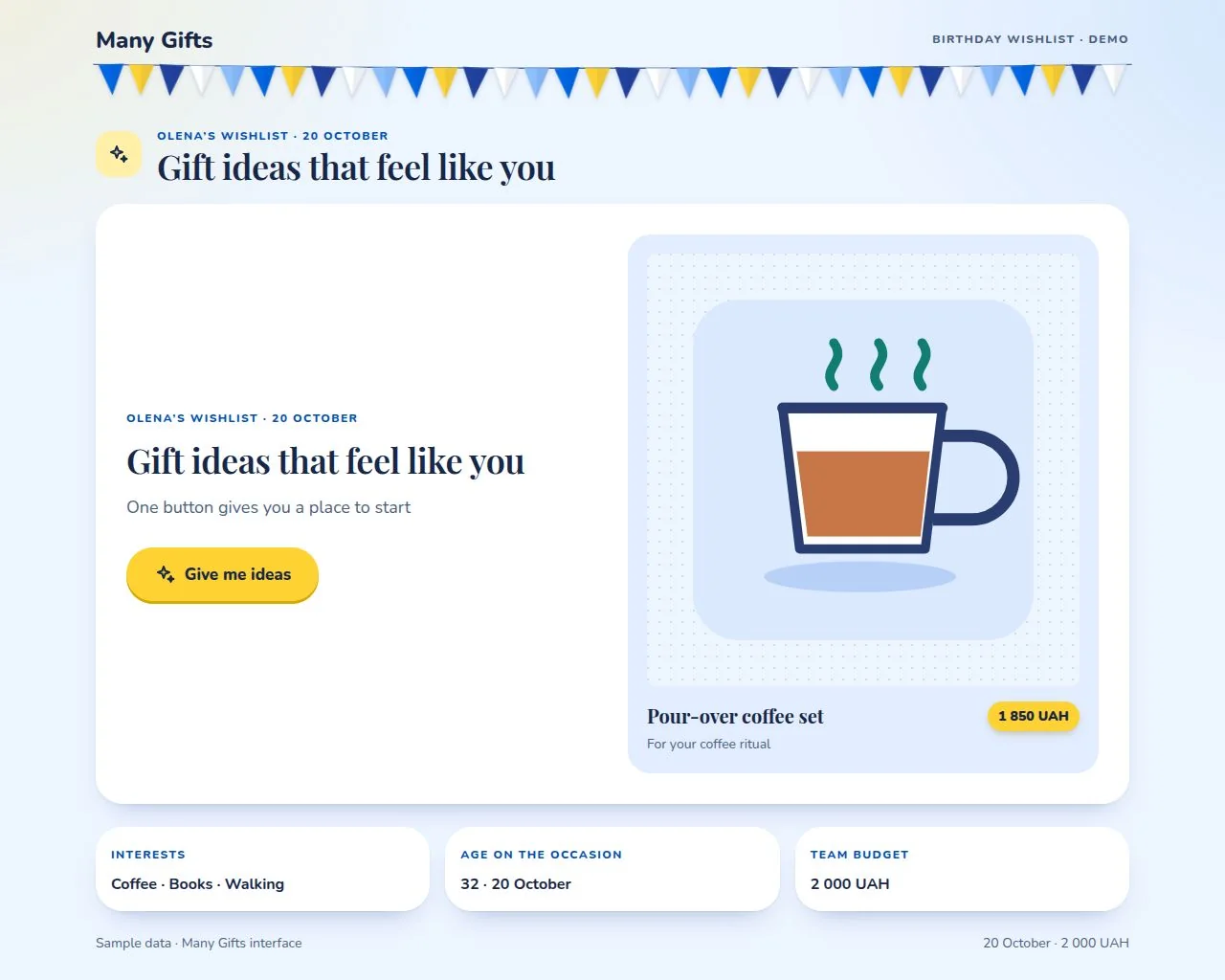
Not sure what to add to your birthday wishlist? In Many Gifts, you can ask for ideas with one button. Instead of spending ages searching, you get a set of suggestions to review, edit and save to your list.
Let’s follow Olena. She is turning 32 on 20 October and enjoys coffee, books and walks. She has added her interests and gender to her profile. The details and suggestions in these illustrations are fictional; the images are stylised examples of Many Gifts cards.
One button, a list of ideas
On your wishlist page, choose “Give me ideas”. When AI suggestions are available, Many Gifts processes a short brief about the occasion and the person’s preferences. The model returns up to six different options with short explanations and estimated prices when available.
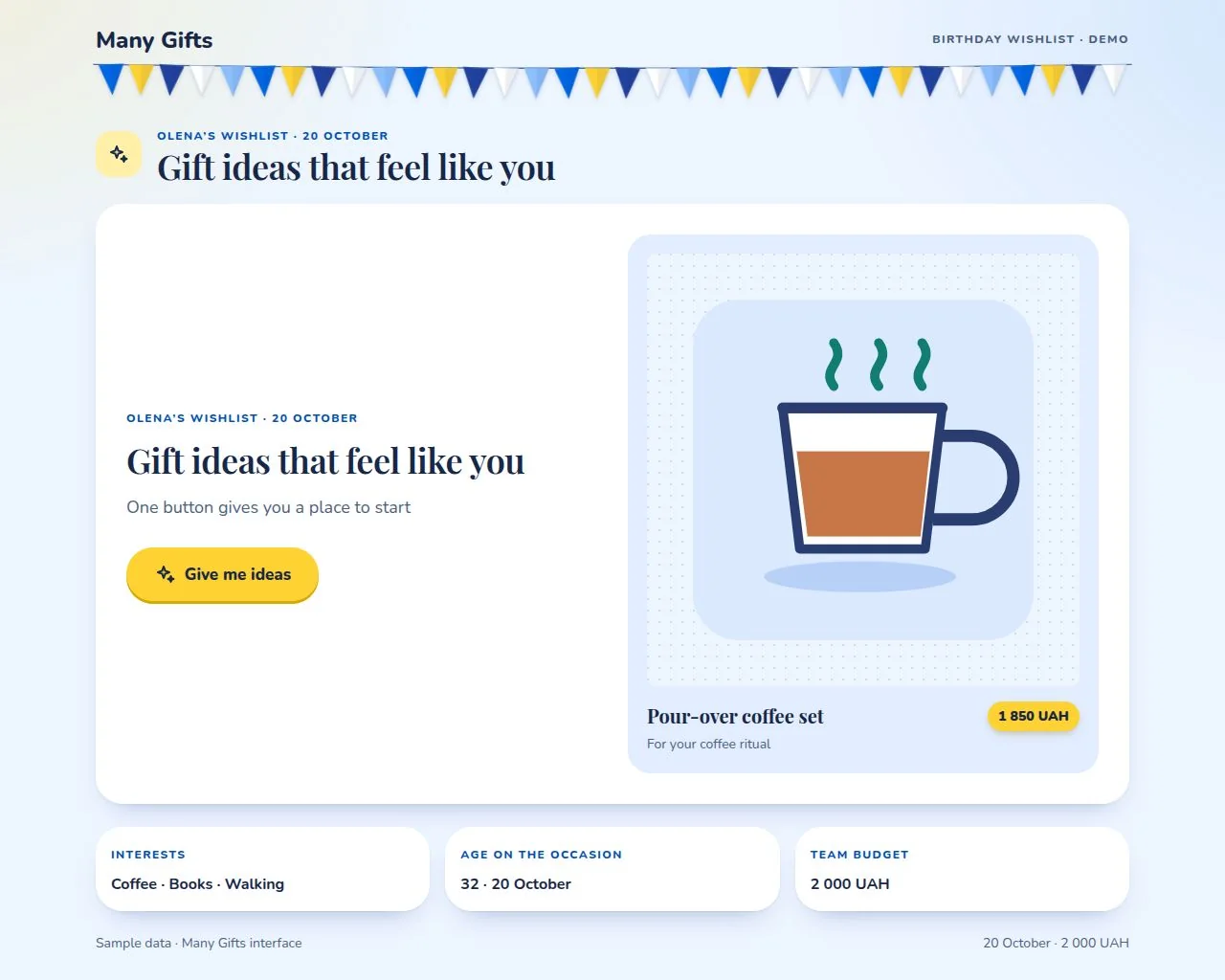
Demo screen: choose the button to get personalised suggestions.
What helps tailor the suggestions
The service can use a person’s interests, their age on the event date, the occasion and its date, the budget and currency. Gender is used only if the person chose to share it in their profile; it is optional. Existing wishlist titles are also included so the service can avoid suggesting the same things again.
For Olena, that can mean ideas around coffee, books and walks, within the team budget. Age and gender are context, not limits or stereotypes; when details are missing, the suggestions use what is available and can be more general. You can update your interests in your profile at any time.
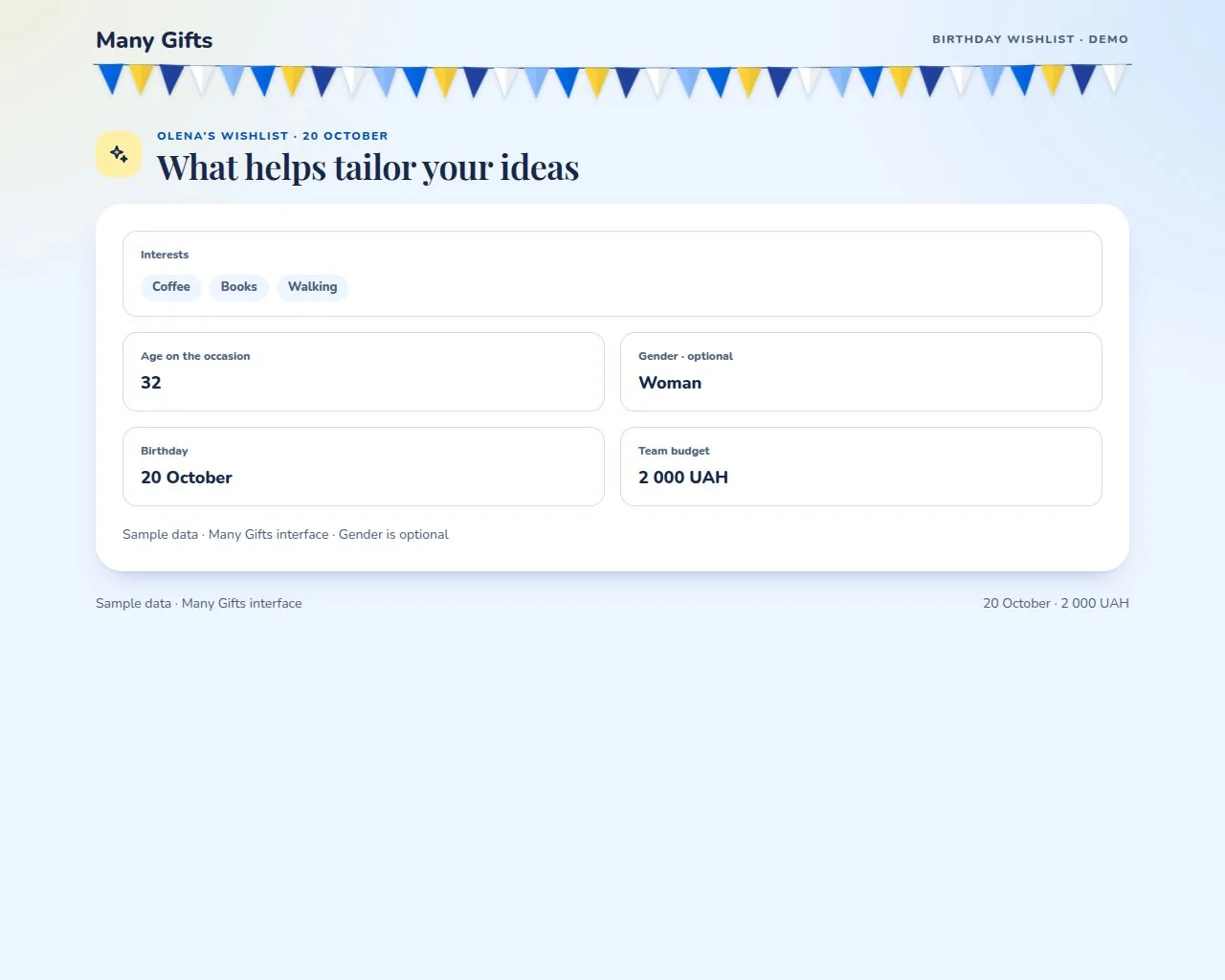
Age is calculated for the event date. Gender is optional; a name and email are not needed for the prompt.
Review ideas and their illustrations
For example, the service could suggest a pour-over coffee set, a thermos for walks or a bookshop gift card. A short note explains how an idea relates to the person’s interests, and the estimated price helps compare it with the budget. Check the current price and availability with the shop before buying.
An image helps you picture the type of gift, but it does not promise that exact model or product. When a suitable image is available, it appears next to the idea. If no image is available, the text suggestion is still available.
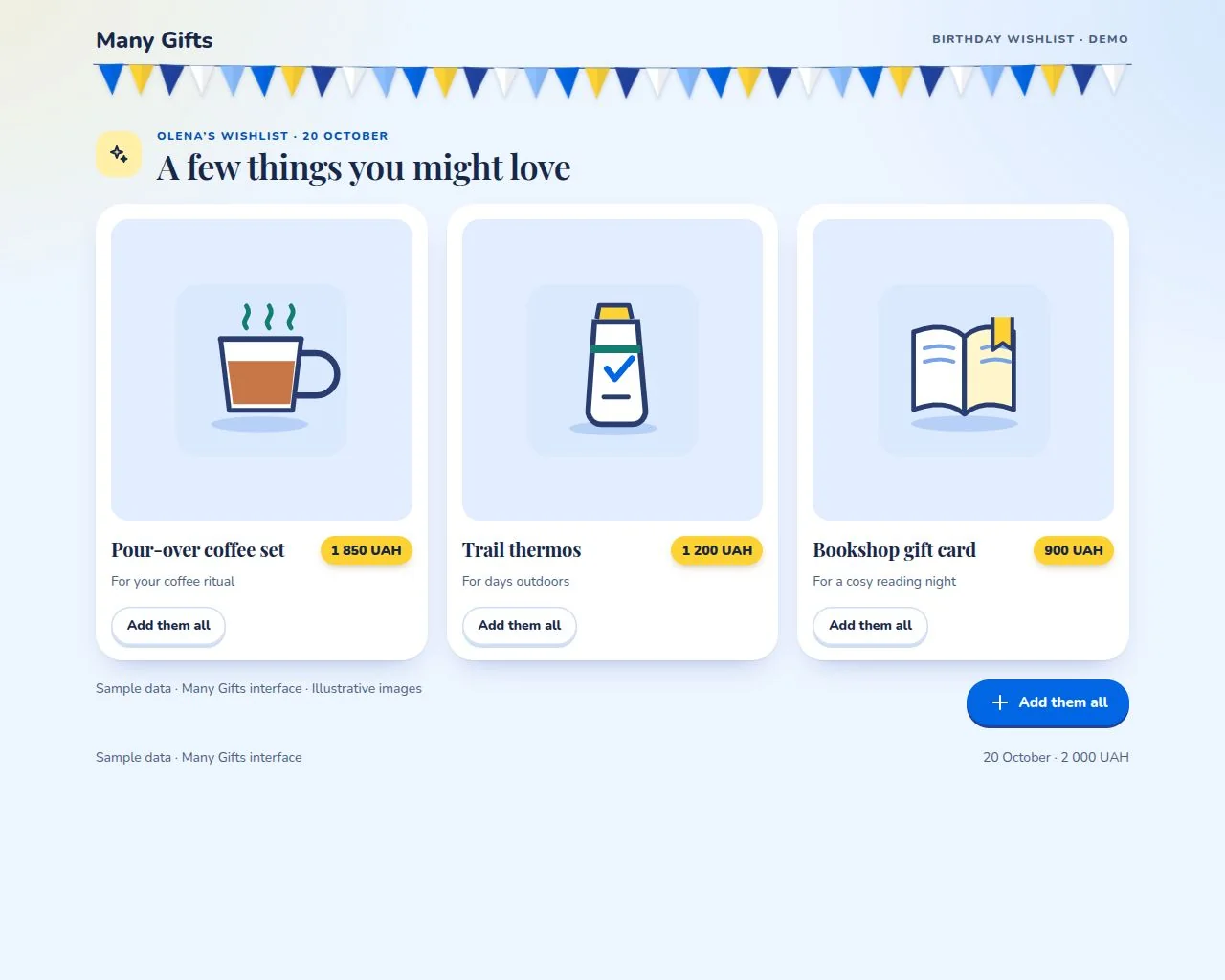
Sample suggestions and illustrations show the format, not specific products.
Add ideas to your wishlist and save it
Add ideas one at a time, or choose “Add them all”. The options move into the wishlist editor, where you can change a title, note, price or link and remove anything that does not fit. Suggestions are not added automatically: review and confirm them first.
When your list is ready, choose the wishlist save button. It will then be available for its event under Many Gifts privacy rules. The team can choose a gift during voting, while the birthday person cannot see the votes during the selection.
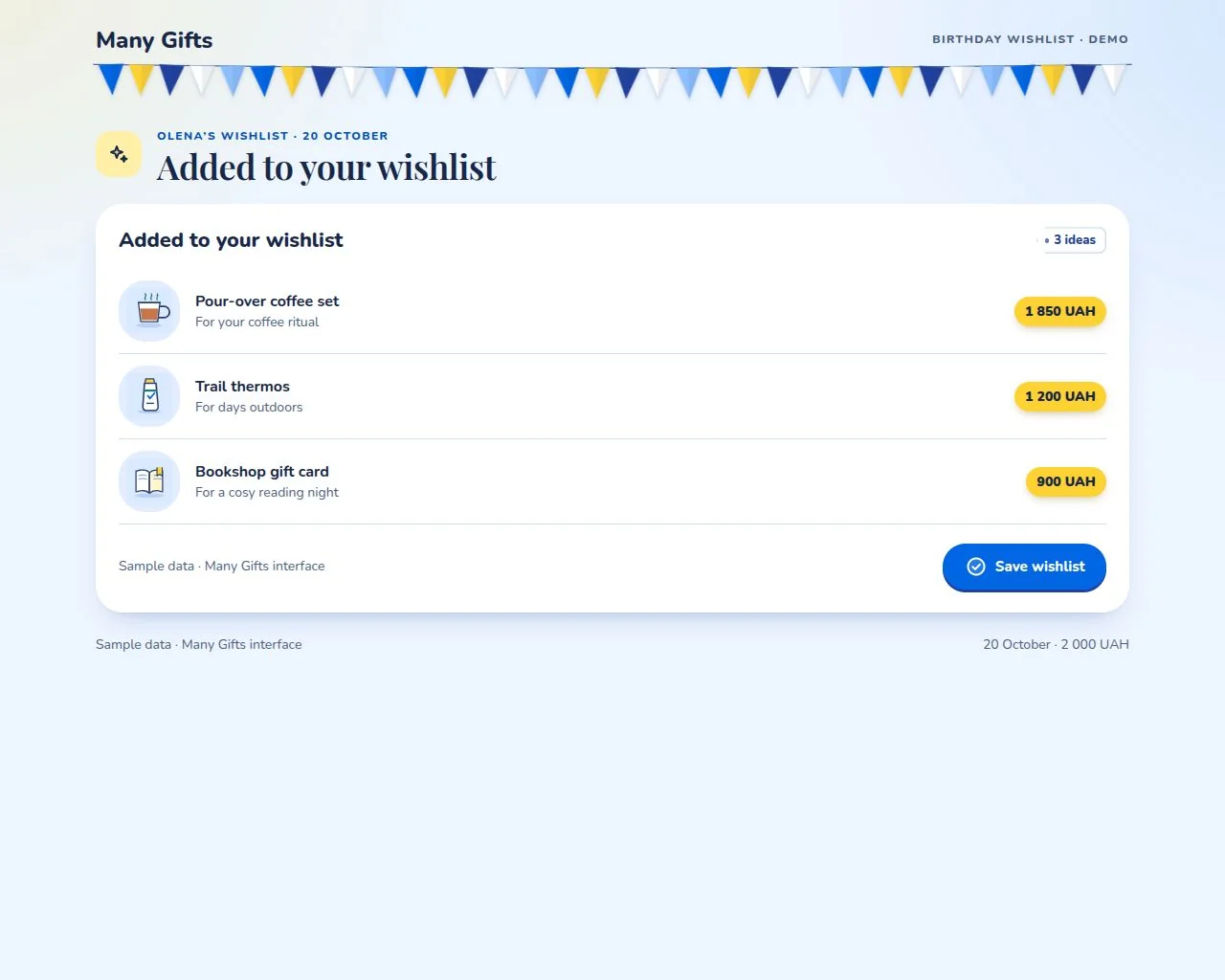
Edit each item after adding it; saving the wishlist is a separate step.
How AI is used — and what happens without it
When personalised AI suggestions are available, they consider the occasion, date, age, interests, budget and gender when provided. The service filters out duplicates and ideas over budget. If personalised generation is temporarily unavailable, the button can offer more general options using the available interests and budget.
Illustrative images may not be available for every idea. They show a gift category; check the actual item and price before buying.
Your privacy and your choice
Only details needed to suggest ideas are used; the person’s name and email are not included. Gender is optional and can be left blank. You remain in control: choose which suggestions to keep in your wishlist.
Try it for your next celebration
Add your interests to your profile, open your wishlist and choose “Give me ideas”. Review the options, keep the ones you actually like and save your list. Then your team can choose a gift together.