

Gifts chosen together
A Birthday Gift for a Colleague: Choose Together with Many Gifts
From a wishlist to a shared celebration: follow one team as they suggest gifts, vote, keep the surprise and organise the birthday together.
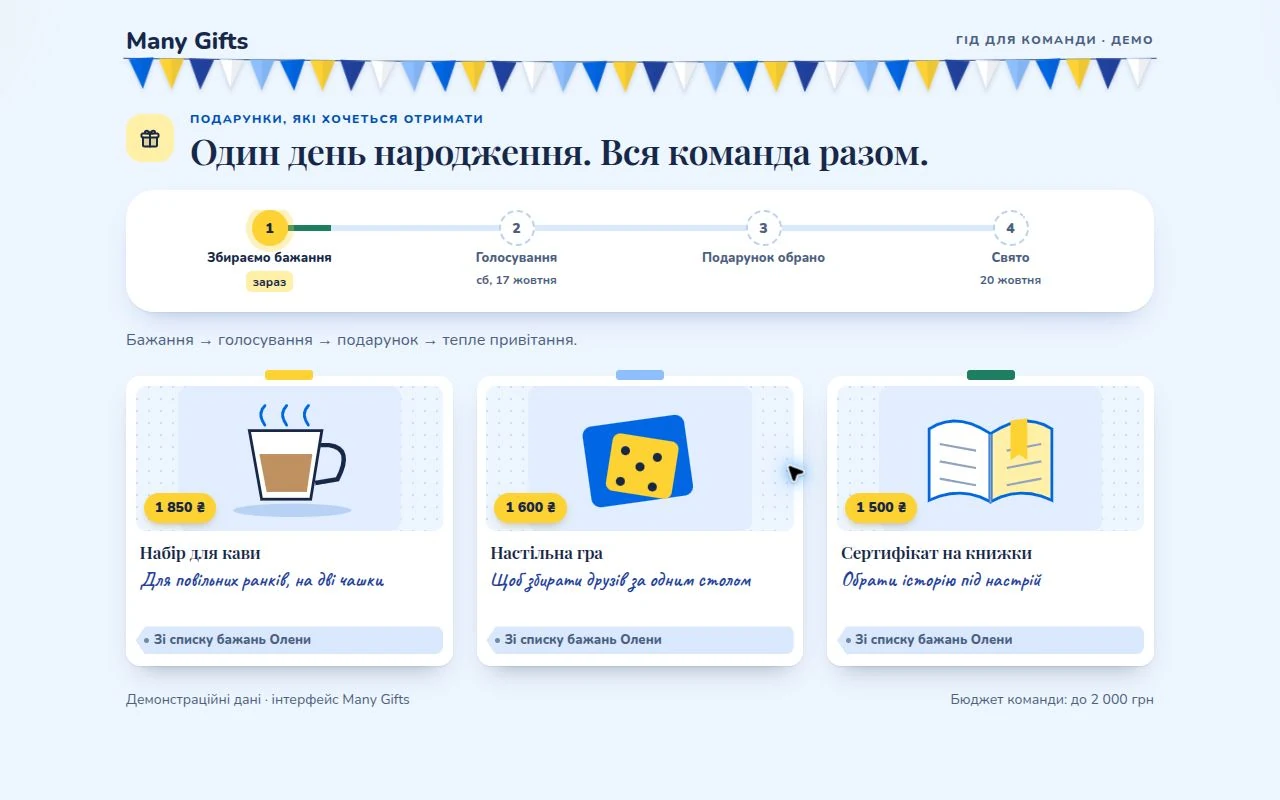
A good birthday gift for a colleague starts with a simple question: what would make them happy? Ideas disappear in a busy group chat, people suggest the same thing twice, and a well-meant surprise may be something the birthday person already owns. Many Gifts gives the team one place to collect wishes, choose a gift and coordinate the celebration.
Here is a practical example. Eight teammates are planning Olena’s birthday. They agree on a budget of up to ₴2,000. Names, prices and voting results in this guide are fictional; the illustrations show Many Gifts interface components with sample data.
How Many Gifts works
An organiser applies for a company or event account. A Many Gifts administrator reviews and approves the application.
After approval, the organiser invites the team. Each person signs in from an email link and confirms their birthday.
Olena adds ideas to her wishlist, with links, approximate prices and useful details.
The organiser opens a poll and colleagues vote for an option.
After the poll closes, the team sees the result, arranges the purchase and prepares a greeting.
1. Set up your organisation and invite the team
Apply to register with your company or event name, contact person, email and a short description. An administrator must approve the application before you can manage the organisation. Team members sign in with a one-time email link; they do not need to create passwords.
The organisation administrator adds members and sends invitations. Each member confirms their birthday. Larger companies can organise celebrations by team or department.
Before you begin, agree on a budget, who will arrange the purchase and when you will present the gift. In our example, Maxim is the organiser, the limit is ₴2,000 and the team will celebrate at a meeting.
2. Give the birthday person time to add wishes
When a birthday is on file, the service prepares an event in advance. The birthday person can work on a wishlist before the celebration becomes visible to colleagues. The standard wishlist preparation window is up to two months; the organisation chooses how many days before the birthday the team sees the event.
Olena adds three ideas: a coffee set for ₴1,850, a board game for ₴1,600 and a bookshop gift card for ₴1,500. A link and a short note about the model, colour, size or other important detail make each wish easier to fulfil. Images help colleagues recognise the right item.
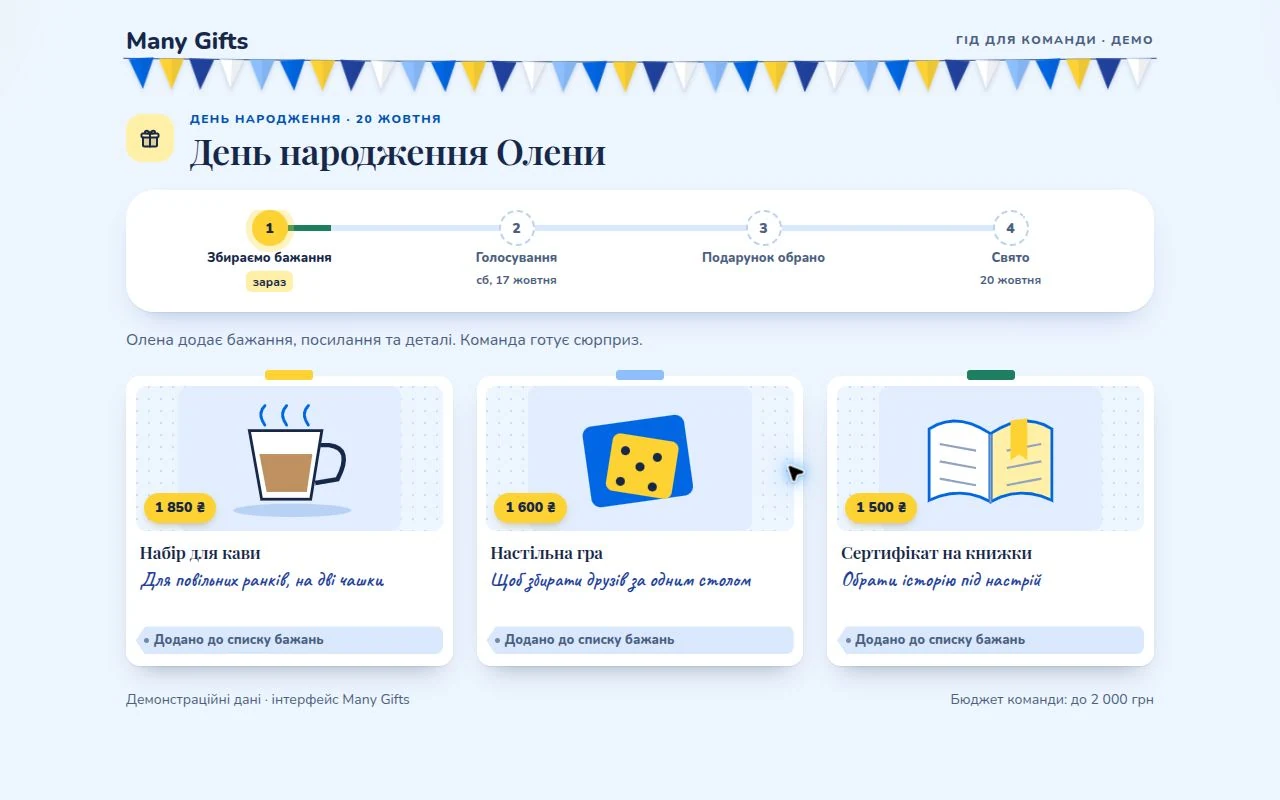
The wishlist uses Many Gifts interface components and fictional sample data.
Instead of “something for coffee”, try “a pour-over coffee set for two cups”. A specific wish makes it easier to choose well and keep the surprise.
Prices in a wishlist are a guide. Before ordering, the organiser checks the current price, availability and delivery with the shop.
3. Open a poll for colleagues
When the wishlist is ready, the organisation administrator starts a poll and sets its end date. Colleagues open the event, review the wishes and vote. In our example, each of Olena’s seven colleagues gets one vote.
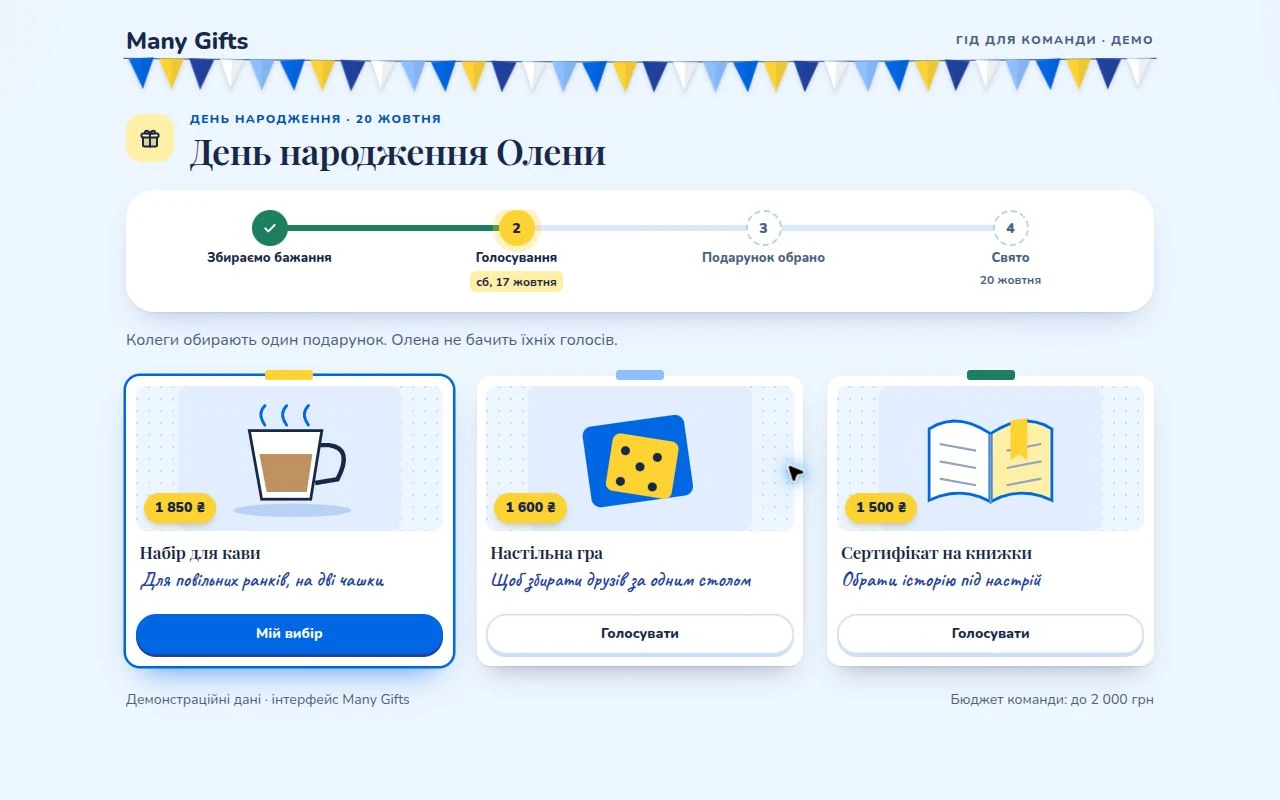
A colleague sees the voting stage and the birthday person’s gift ideas.
Olena does not vote on her own gift and cannot see colleagues’ votes while they choose. The birthday person also cannot access the event chat used to plan the surprise, so the team can discuss practical details privately.
The event timeline shows the current stage: collecting wishes, voting, choosing a gift and celebrating. Reminders help the team keep things moving.
4. Review the result and arrange the purchase
A poll ends when everyone eligible has voted, the deadline passes or an administrator closes it. If the result is tied, the organisation’s tie-breaking step helps the team make the final choice.
In our example, the coffee set gets four votes, the board game two and the bookshop card one. The team chooses the coffee set. Maxim checks the product details and delivery, then coordinates the purchase.
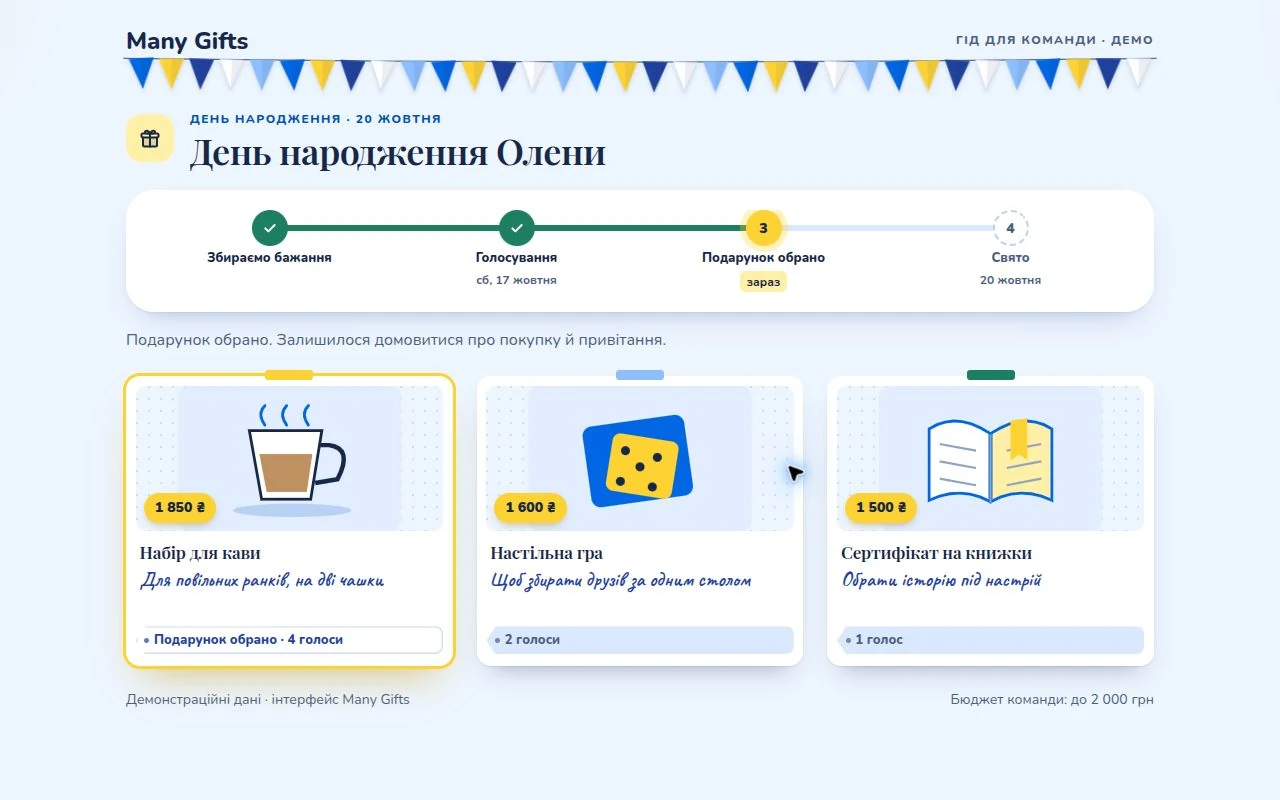
The final choice is recorded in the demo. The team arranges purchase and delivery separately.
If the team wants, the event can show who is coordinating contributions and the payment details they agree to use. Many Gifts helps the team coordinate; money transfers and shopping take place outside the service. The team decides how to split the cost.
5. Add birthday wishes and celebrate
A gift is only part of the celebration. Teammates can write messages for a shared greeting. The organiser brings the wishes together and the team presents Olena with something she actually wanted, along with personal notes from colleagues.
For the next birthday, the organisation already has its members, dates and settings. Keep the team list, budget and organisers up to date and repeat the same simple process.
Frequently asked questions
Can the birthday person see how colleagues vote?
They cannot see votes while colleagues are choosing their gift, and they cannot access the surprise-planning chat. An organisation setting controls whether votes are revealed after the event.
Does everyone need a password?
No. Members sign in using a one-time link sent by email. Open the invitation or request a link on the sign-in page.
Can a small team get started?
Yes. Start with one birthday, invite the team, add a wishlist and try a poll. Then agree on the budget and greeting style that work for your group.
Does Many Gifts buy the present?
No. The service helps collect wishes, choose an option and coordinate the team. Members arrange payment, purchase and delivery themselves.
Get started
Choose an upcoming birthday, agree on a budget and name an organiser. Then apply for your organisation. After approval, invite the team and give the birthday person time to add wishes. The event stages will guide everyone through the rest.